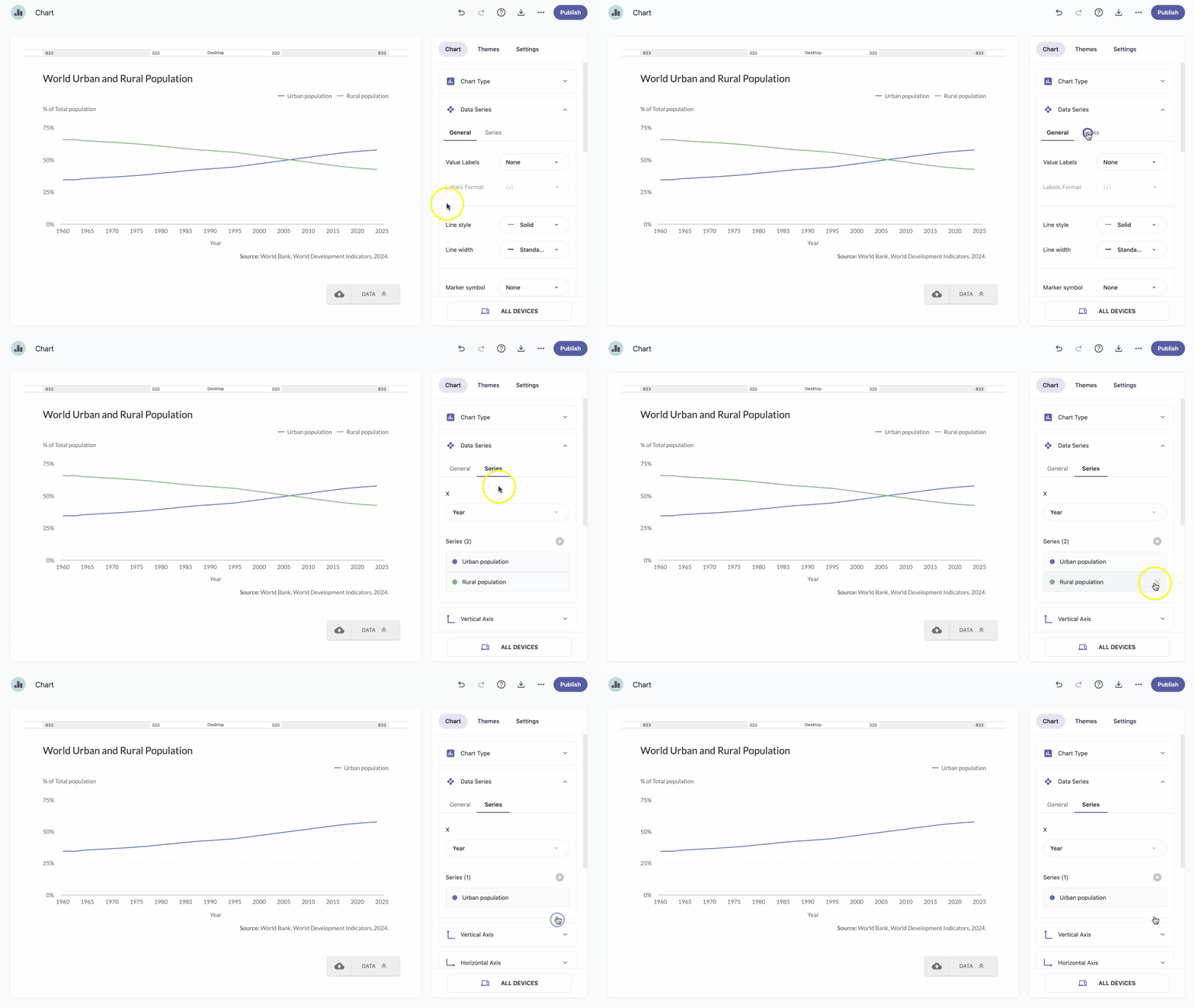
When deleting a series, it's recommended to remove it from the Series section rather than from the data table in the Data section.
- In the chart panel, click Data Series to open the dropdown menu.
Hover over the series you want to delete and click X.
Note: If you delete a series by accident, click the undo icon .