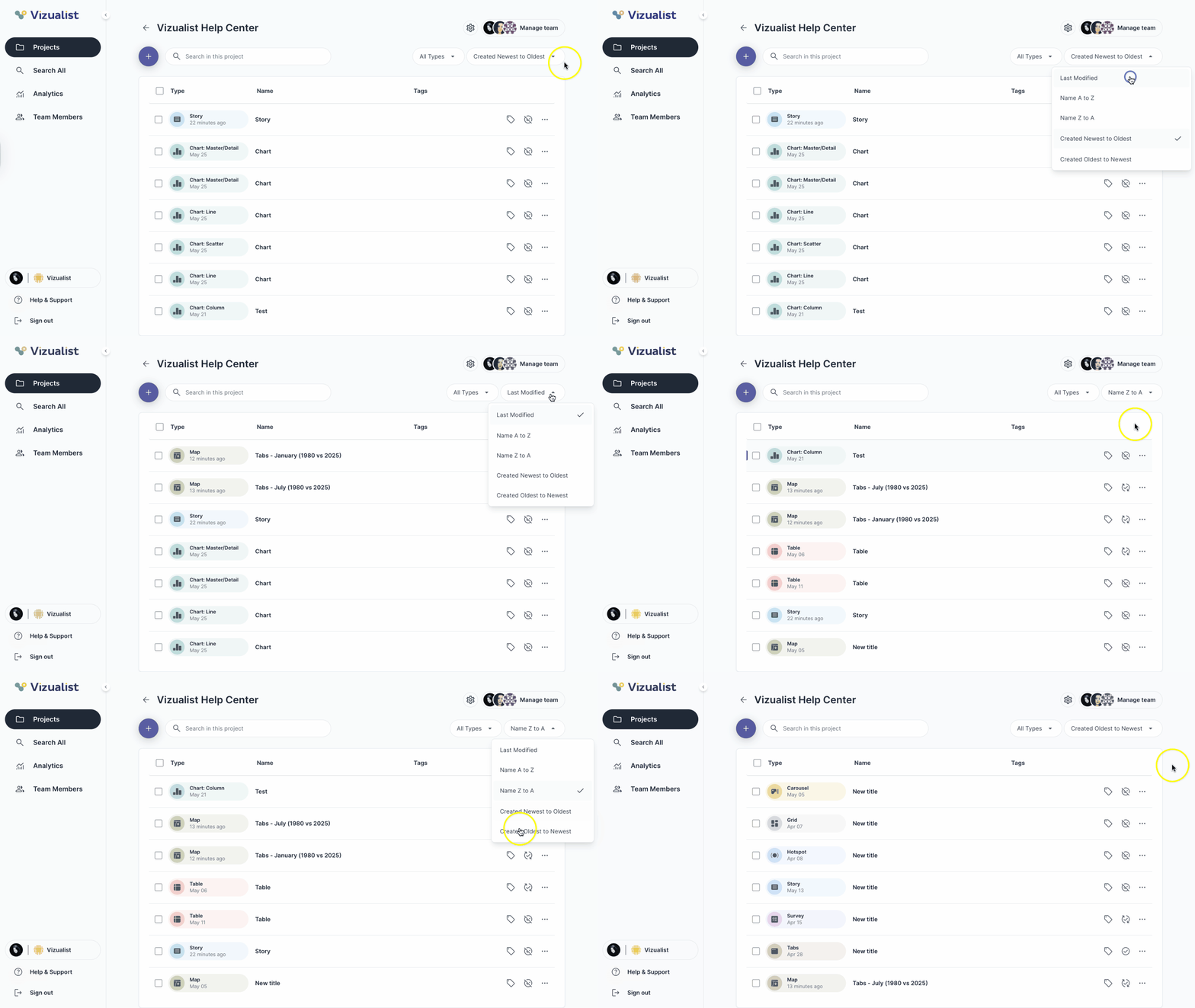
When you open a project, you will see a list of all visualizations, including the visualization type, name, and tags (if added).
To sort visualizations, use the sort options above the visualization list:
- Last modified — sorts visualizations by the date of the most recent changes, with the latest first
- Name A to Z — sorts visualizations alphabetically in ascending order
- Name Z to A — sorts visualizations alphabetically in descending order
- Created Newest to Oldest — sorts visualizations by creation date, with the most recently created first
- Created Oldest to Newest — sorts visualizations by creation date, with the oldest first