When you open a project, you will see a list of all visualizations, including the visualization type, name, and tags (if added).
Filter visualizations by type
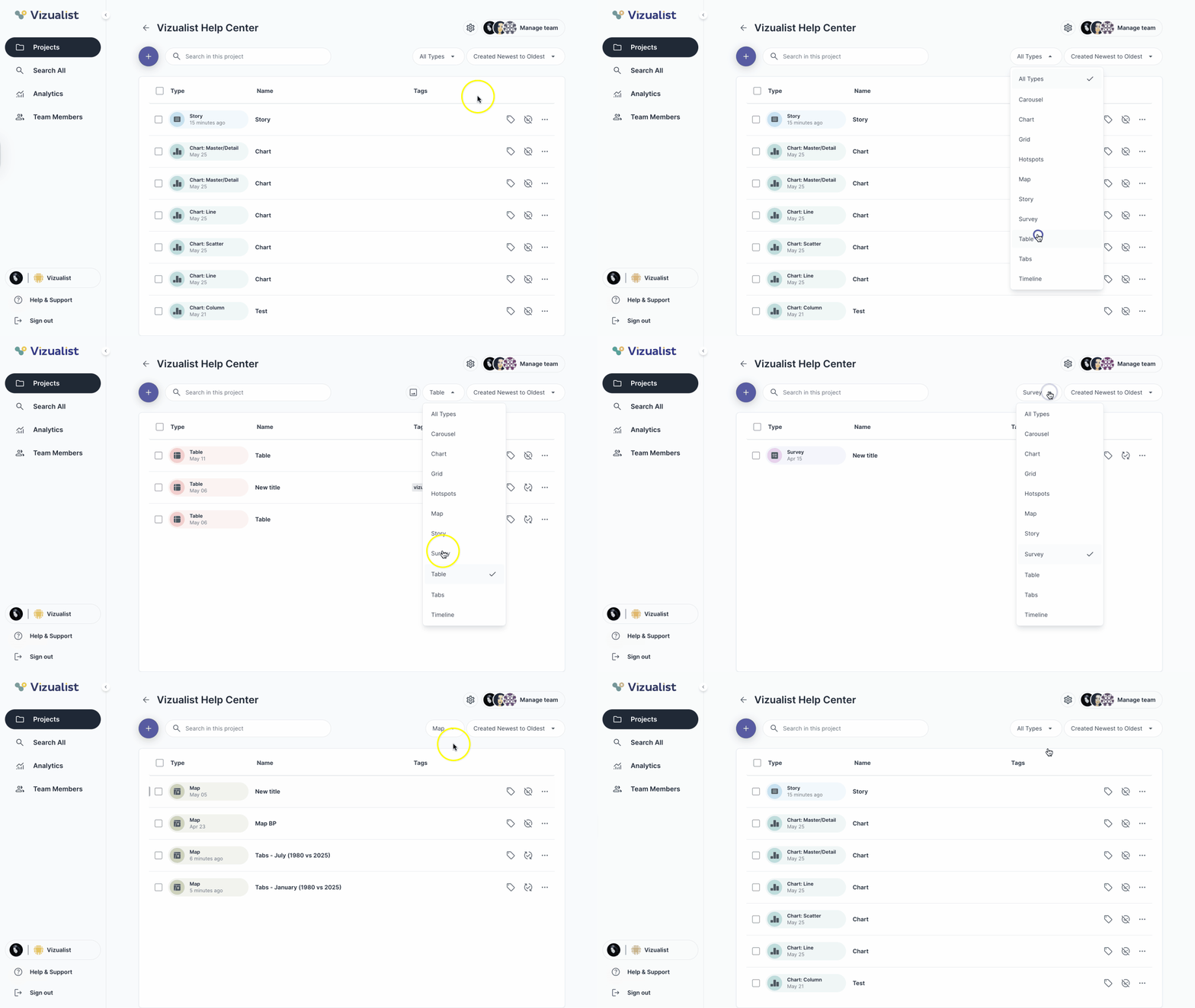
To filter visualizations, use the filter options above the visualization list:
- All types — displays all visualizations within the project
- Specific visualization type — displays all visualizations of that type within the project; you can choose from 10 available visualization types
Export table images
If you filter out tables, an extra option becomes available to export all table images at once:
- Filter tables.
- Click the image icon next to the filter dropdown.
- Choose a format: PNG or SVG, with or without background.
- Click Export and then OK.
| Note: You will receive an email to download the images when they are ready. |