Add a link
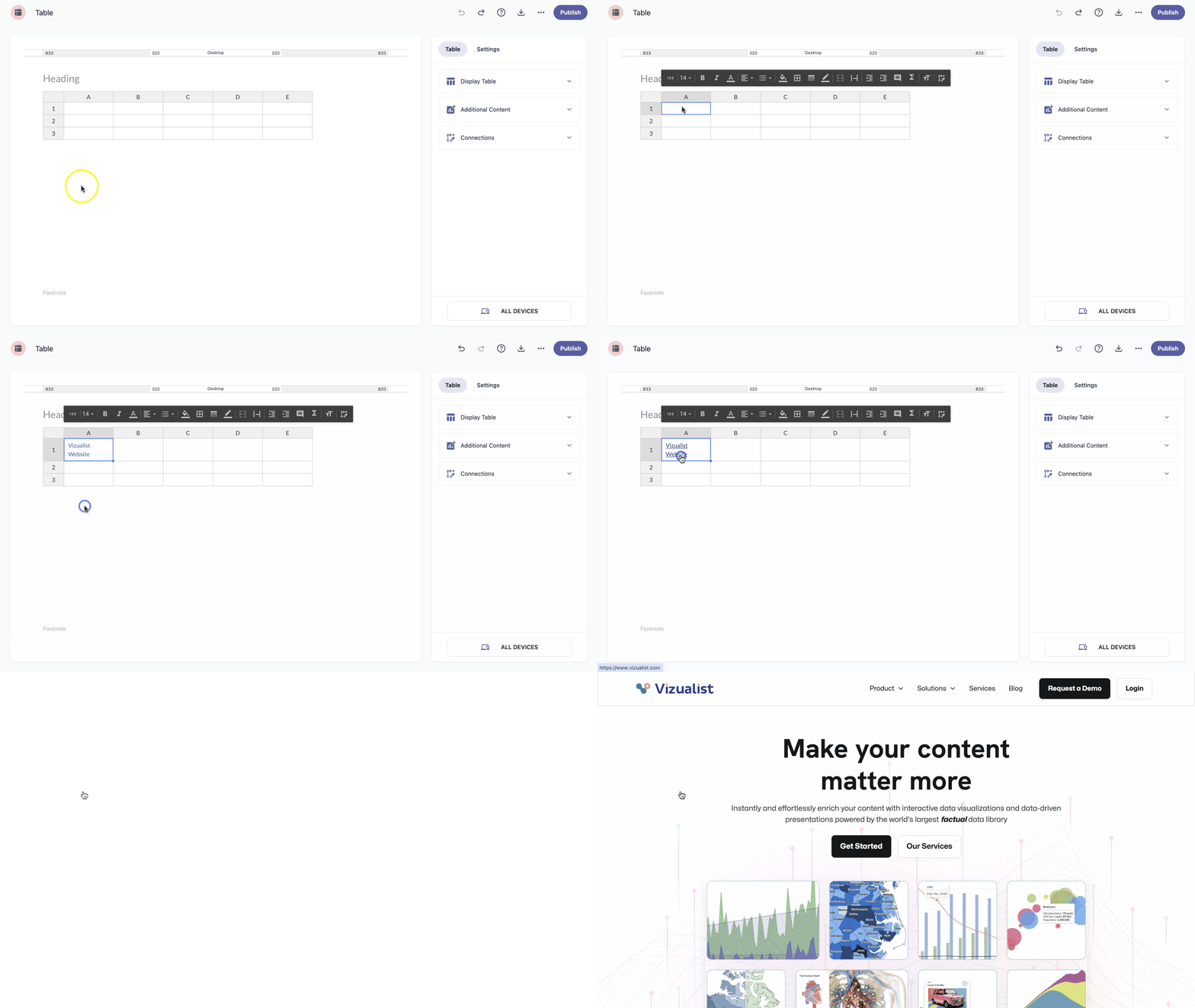
You can enrich your tables by adding images and hyperlinks with a bit of HTML. Every hyperlink is defined by the <a> tag — here's how to use it to link to a homepage from inside a table:
<a href="https://www.vizualist.com/">Vizualist Website</a>
Replace the URL and the link text ("Vizualist Website") with your own.
Add an image
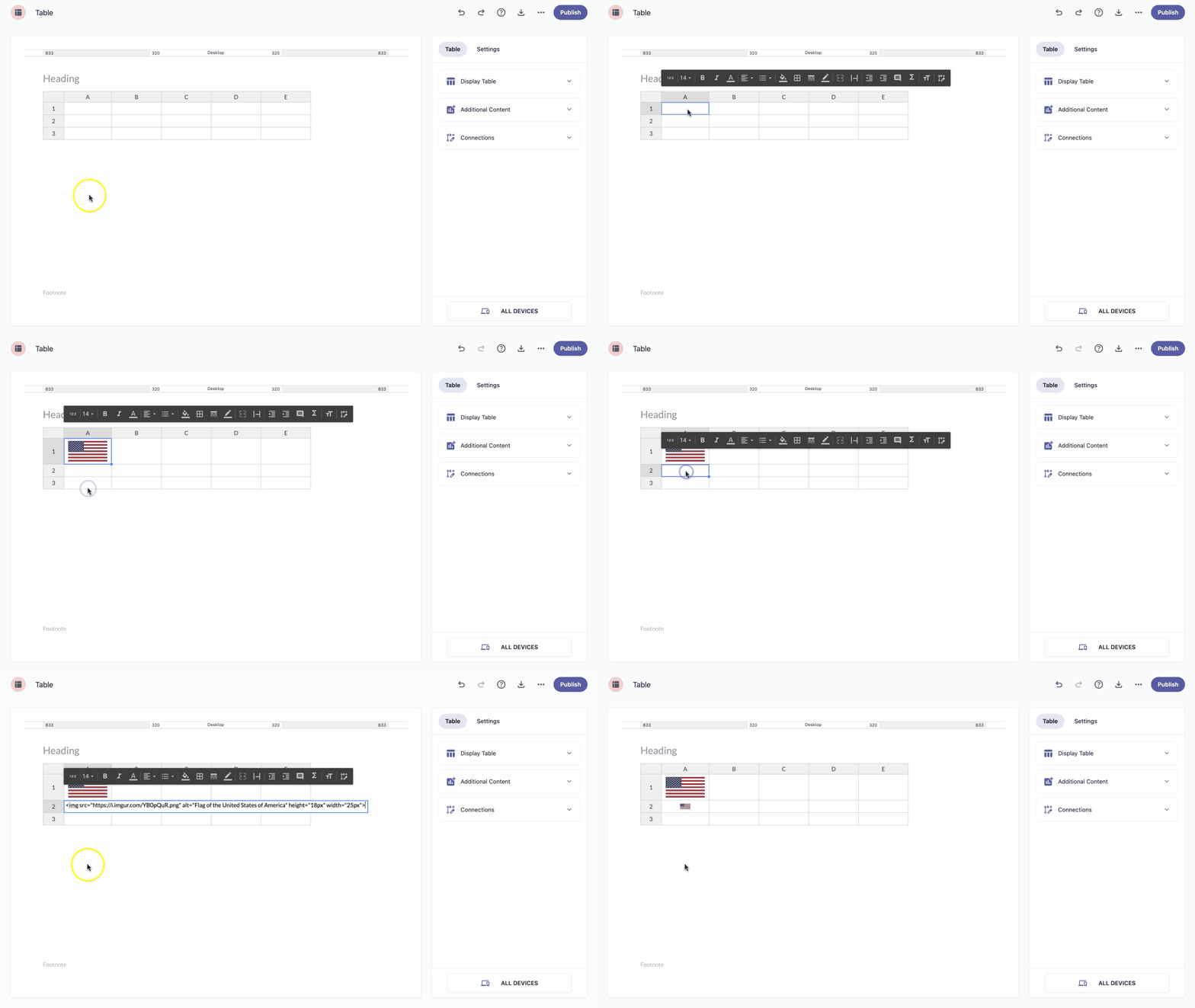
You can also add images using the <img> tag. The image needs to already be hosted online — either upload it to your own server or use an existing image URL. For example:
<img src="https://i.imgur.com/YB0pQuR.png">
To set the image dimensions or add alternative text, include alt, width, and height attributes inside the tag, for example, for a flag image:
<img src="https://i.imgur.com/YB0pQuR.png" alt="Flag of the United States of America" height="18px" width="25px">
To try it yourself, just replace the source URL with your own.