To change the role of an organization member:
- Open Team Members in the organization side panel.
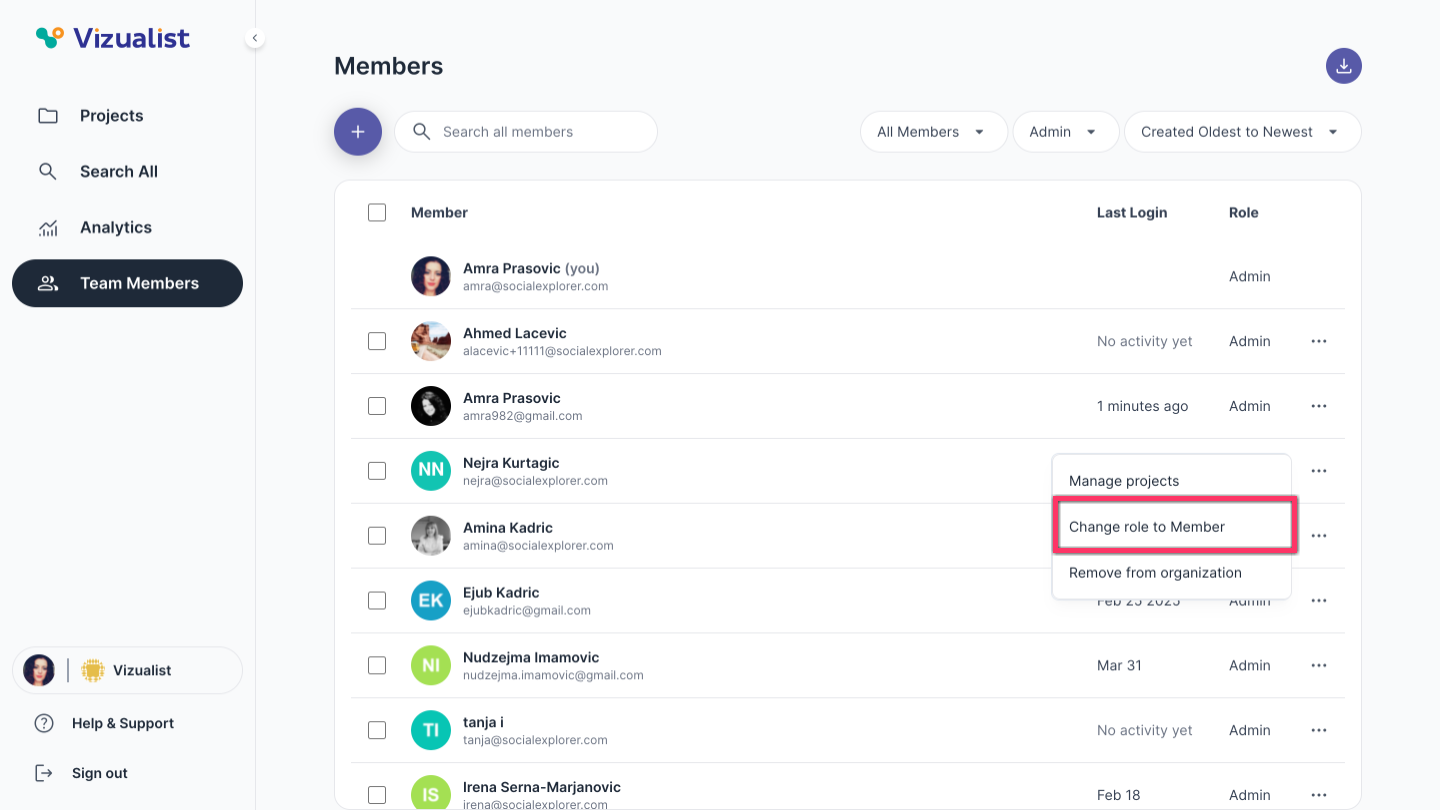
- Next to the member's name, click the menu.
- Click Change role to Admin or Change role to Member, depending on the member's current role.
| Note: Only organization admins can change a member's role. |
| Note: For more information on changing the role of multiple members at once, see Bulk actions for organization members. |