To assign projects to a member:
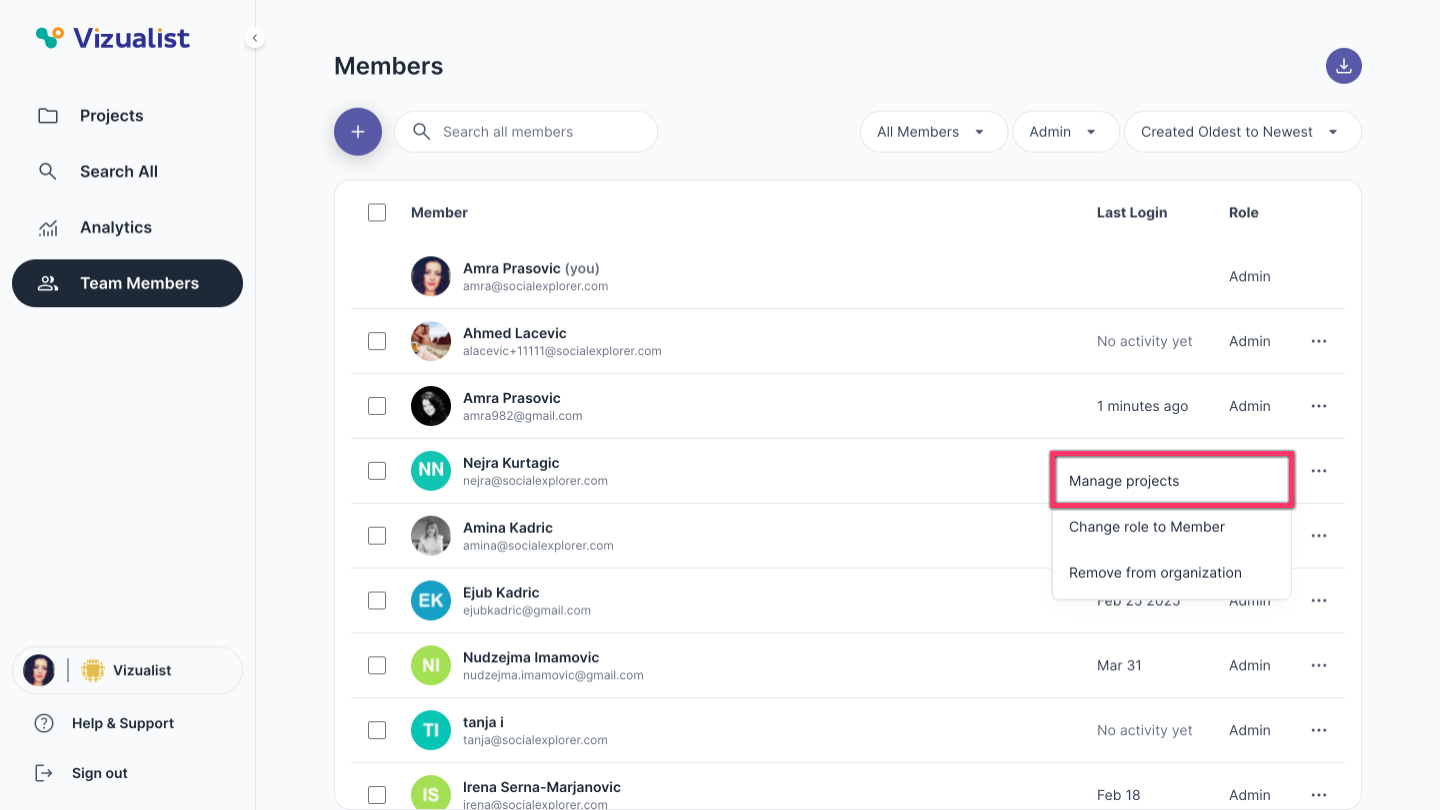
- Open Team Members in the organization side panel.
- Next to the member's name, click the menu.
- Click Manage projects.
-
From the projects dropdown, select the projects you want to assign to the member.
Note: You can also search for projects in the dropdown. - Click Update.
| Note: Only organization admins can assign projects to a member. |
| Note: For more information on selecting multiple members, see Bulk actions for organization members. |