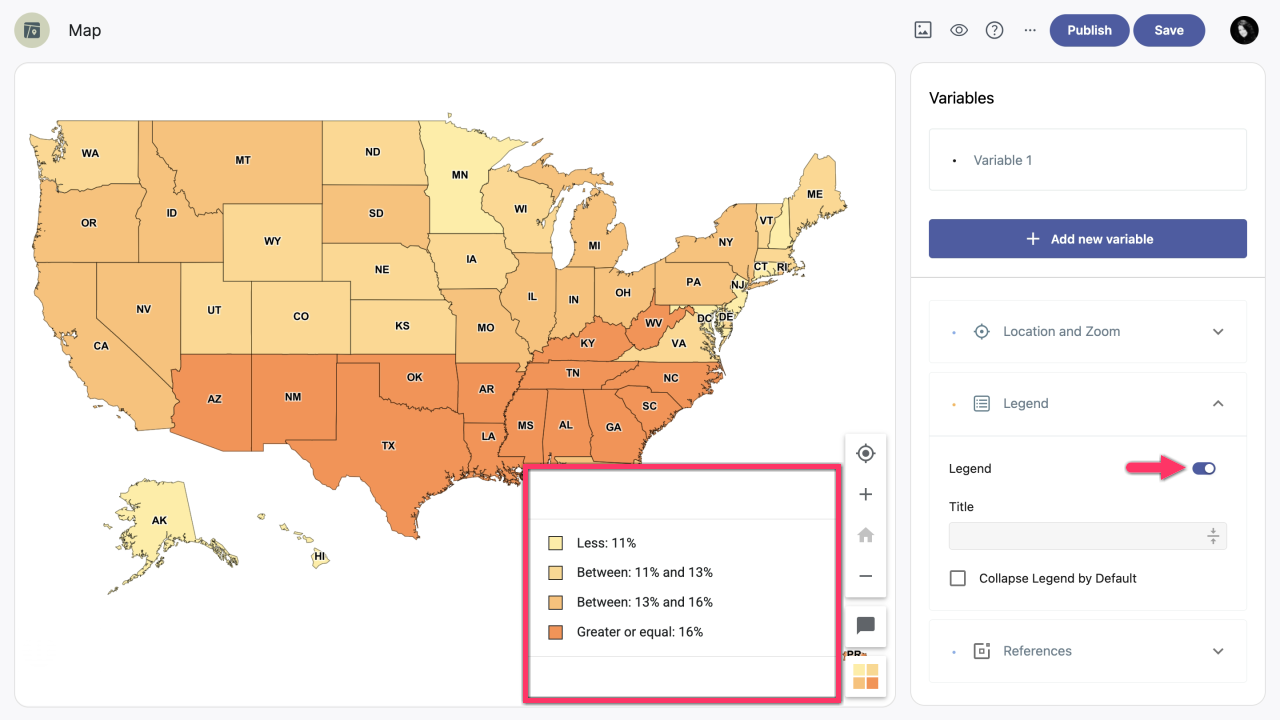
In the right-hand sidebar of your map, click the Legend dropdown. Enable the Legend option to display the legend on the map.
| Note: Before enabling the legend, you need to set up coloring rules. To access them, click the variable you want to edit. If no coloring rules are set, the legend won't be visible. |
Add title
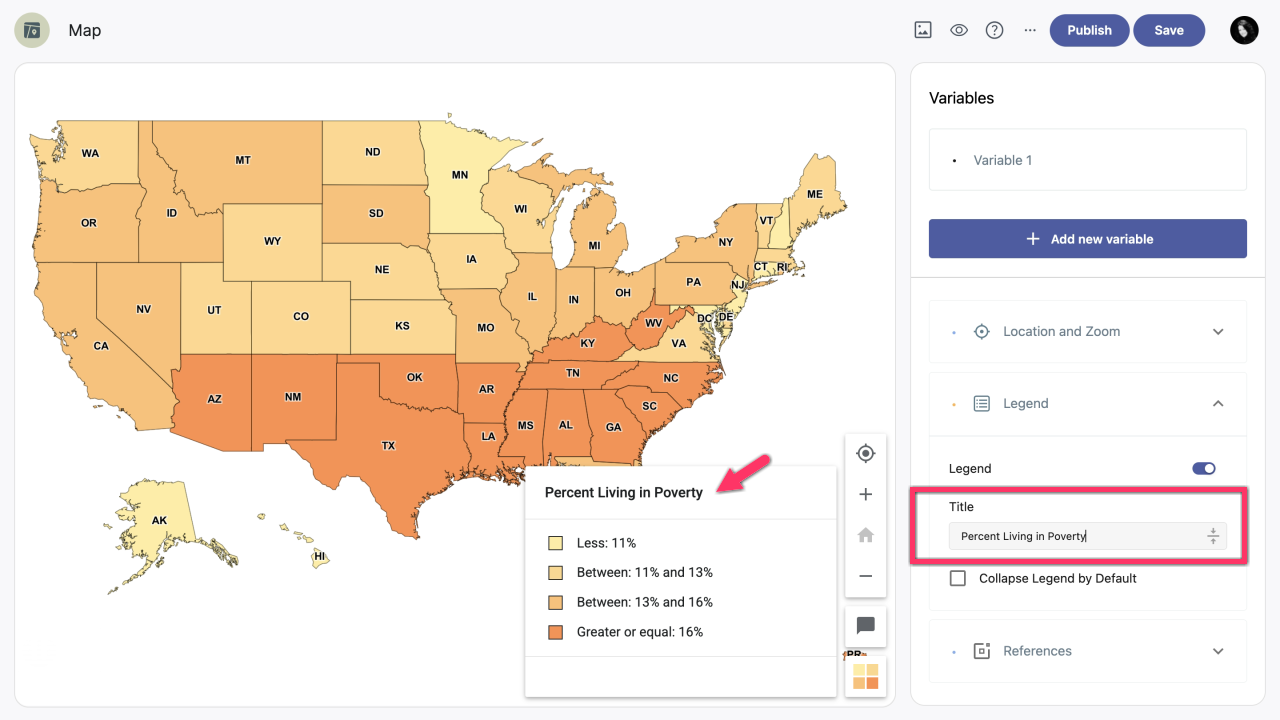
To add a title to your legend, click the Title field and enter the legend title.
| Note: The title will be displayed only if the Legend option is enabled. |
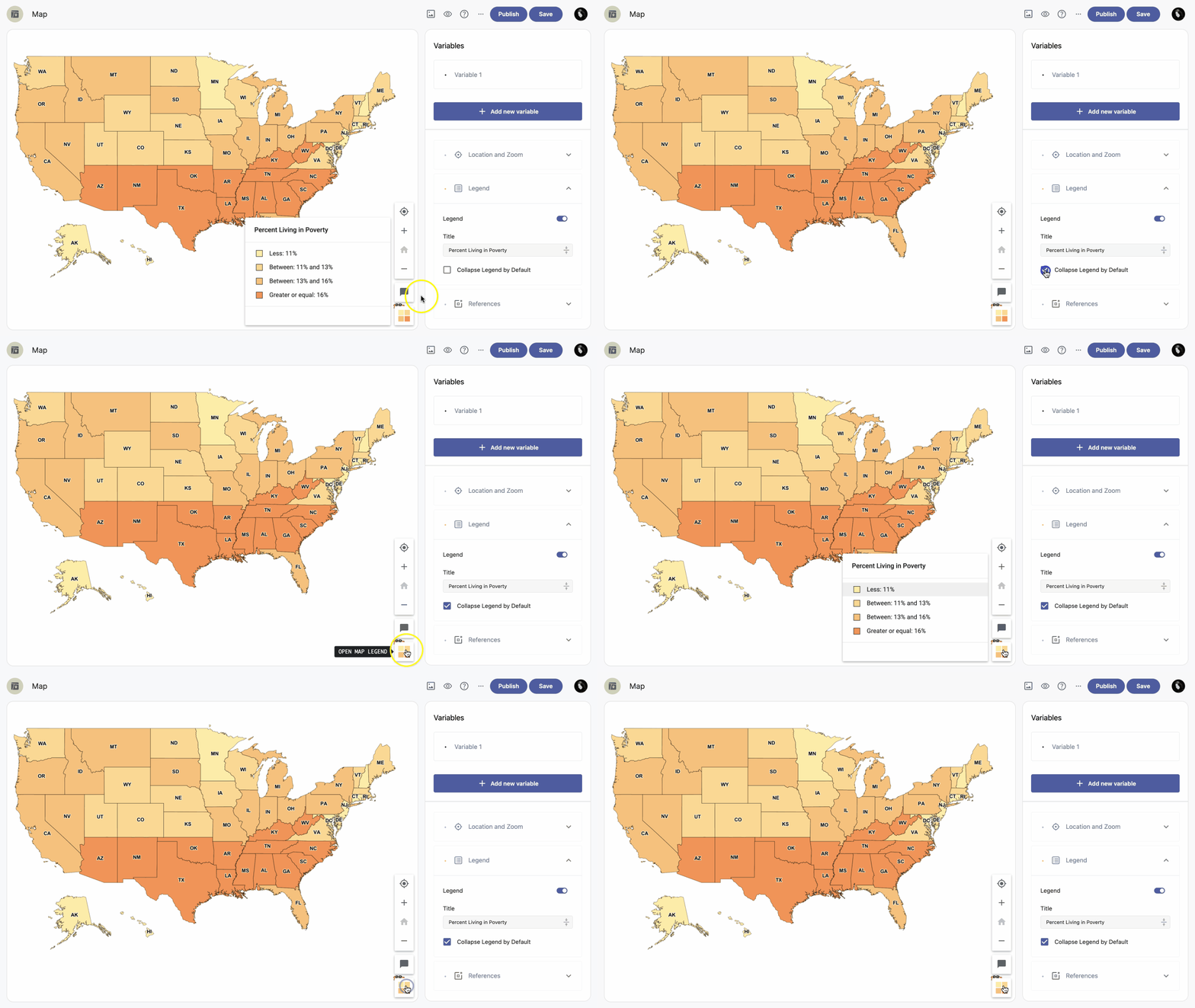
Collapsed legend by default
To have your legend collapsed by default, enable the Collapse Legend by Default option.