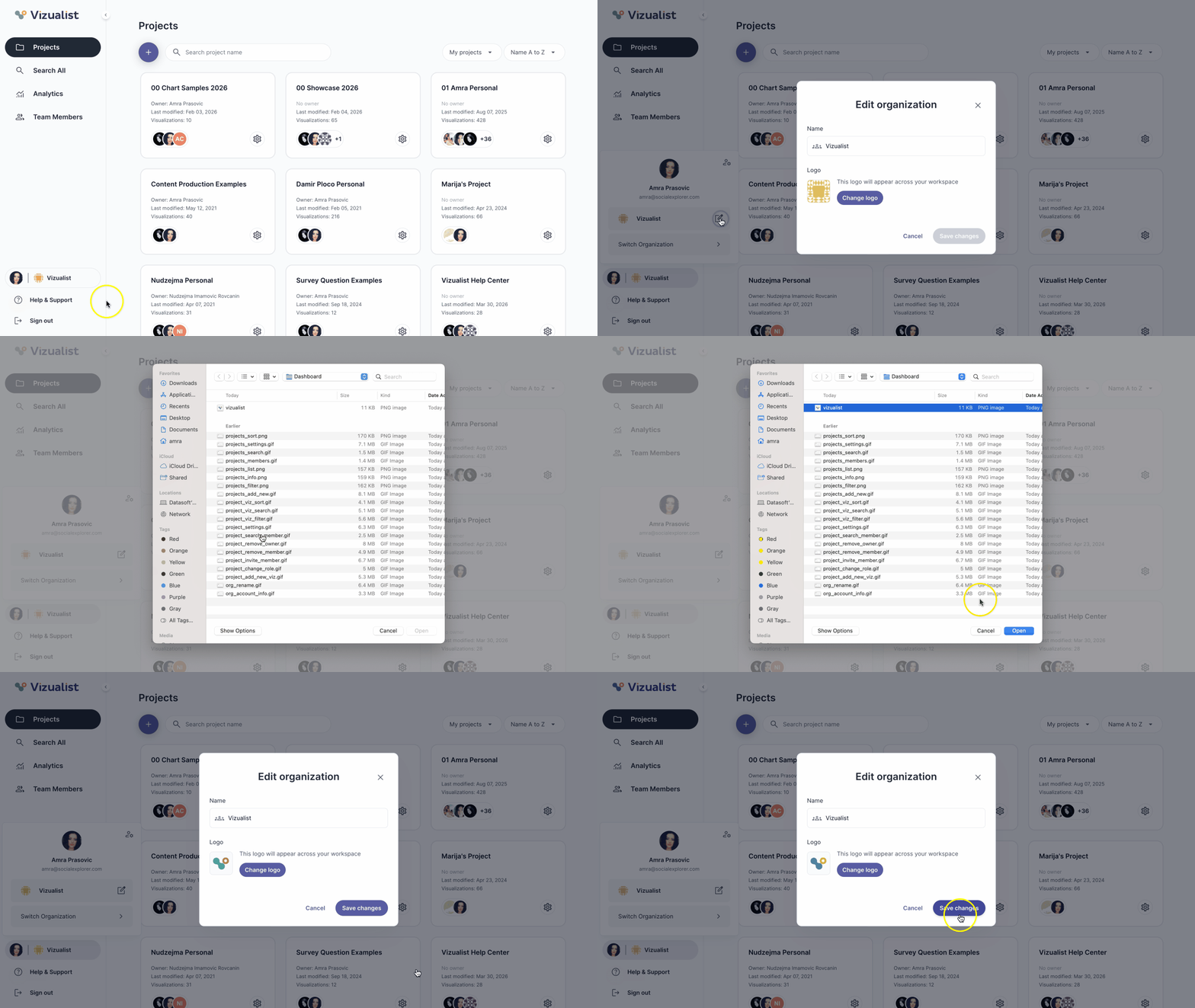
To change the organization logo:
- Navigate to the organization.
- Click the organization name in the bottom part of the organization side panel.
- Click the edit icon edit_square.
- Click Change logo.
- Upload the new logo image.
- Click Save changes.
| Note: Only organization admins can change the logo of the organization. |