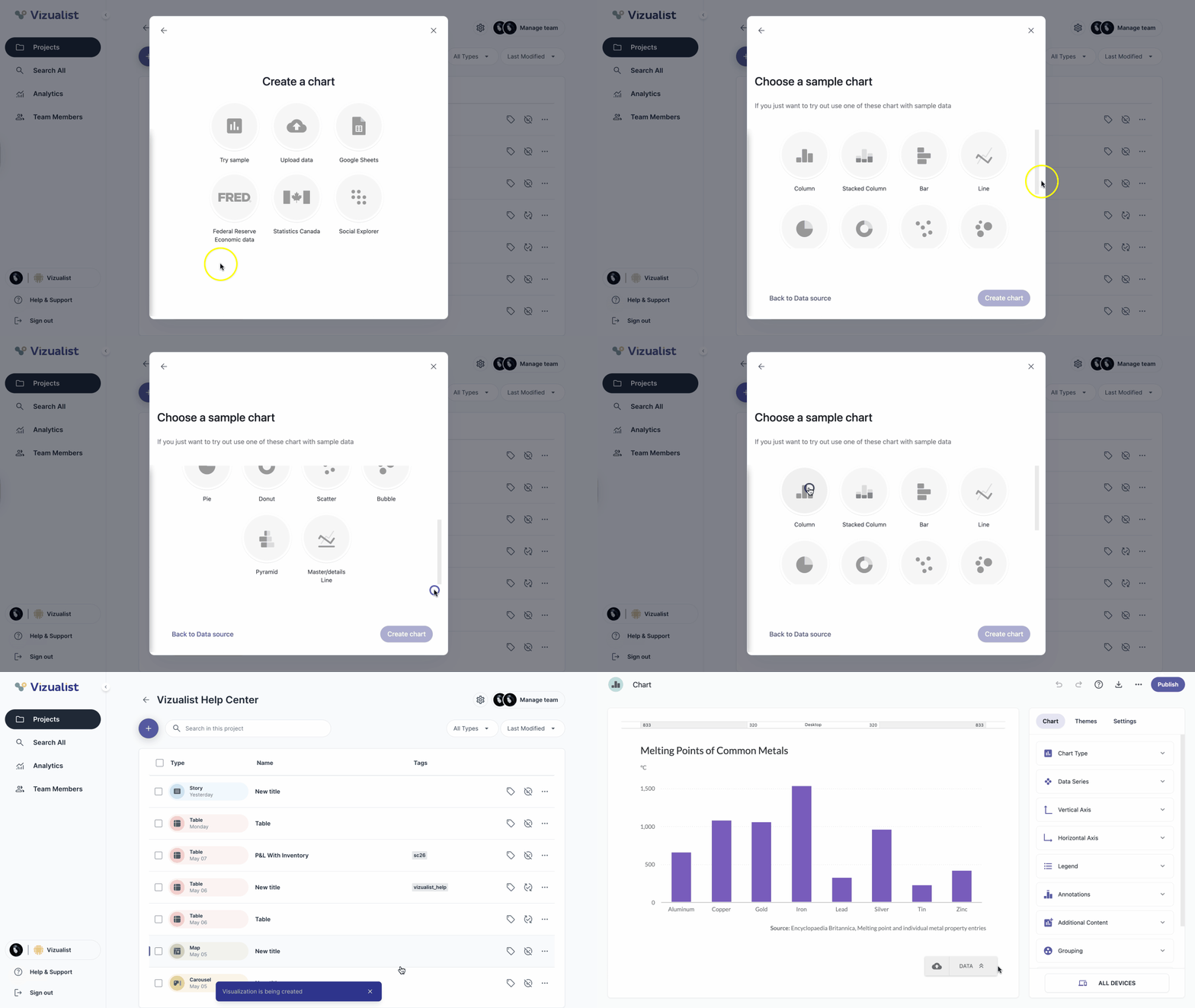
Try sample option helps you quickly create a chart using sample data for each chart type. Whether you want to explore different chart styles, see how a specific chart looks, or create a chart now and update the data later, this step lets you generate a meaningful chart with just one click.
If you want to try out a chart that contains sample data, then follow these steps:
- Go to the Vizualist dashboard and select the project where you want to create your chart.
- Click the button.
- Select Chart from the Vizualist Templates list.
- Enter the name for your chart and click the Next button.
- Select Try sample, choose a sample chart, and click the Create chart button.