Master/Details charts let you display millions of data points in a single chart while keeping it readable. The navigator allows you to zoom in on specific areas, making it easy to examine even the smallest outliers in detail.
Note: The navigator is available only for Master/Details charts.
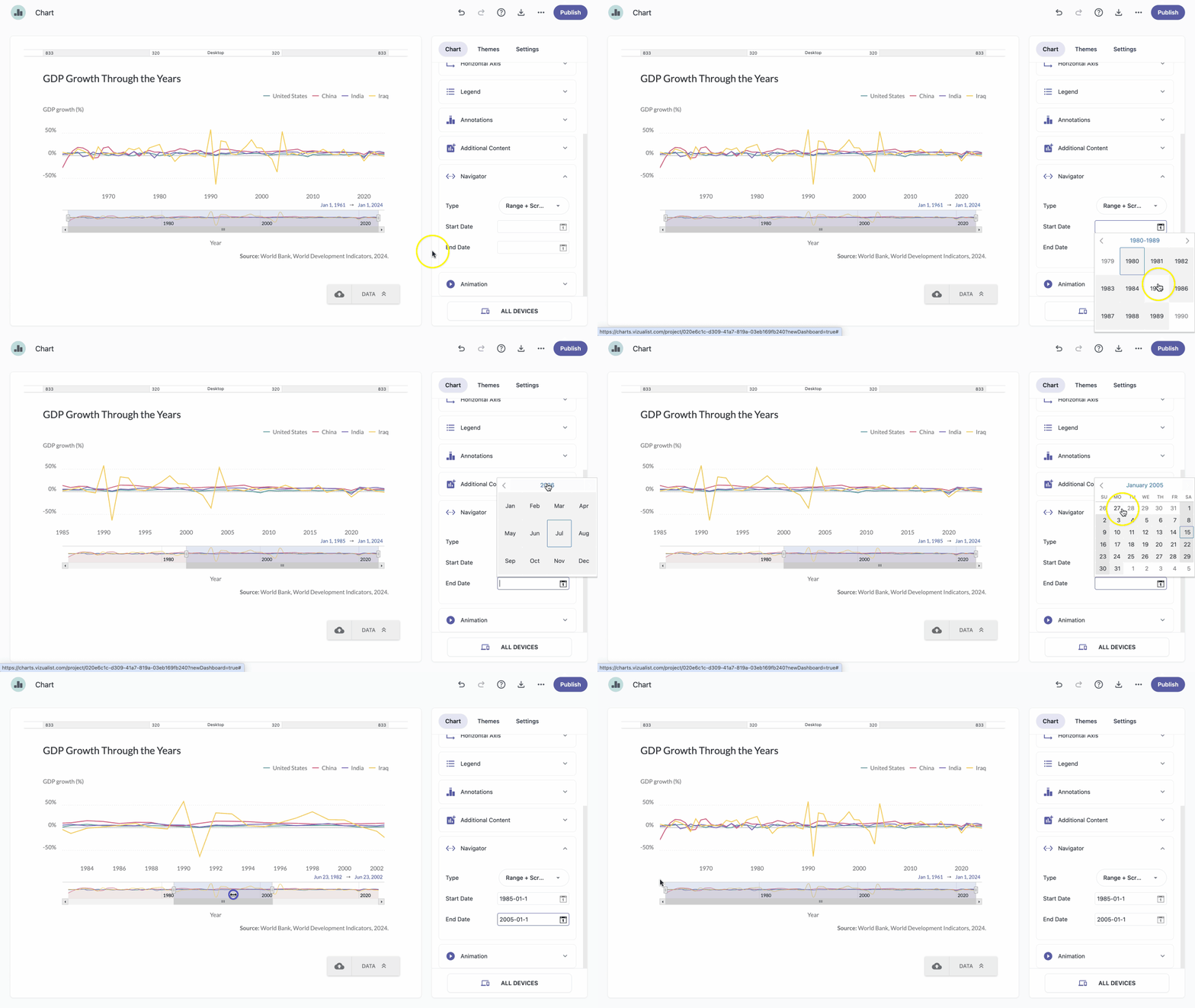
In the chart panel, click Navigator to expand the section.
From the Type dropdown, select the navigator type that works best for your chart.
Set the Start Date and End Date.
Note: Once the Start Date and End Date are set, only the defined range will be displayed when the chart loads. Audiences can still adjust the range using the navigator.