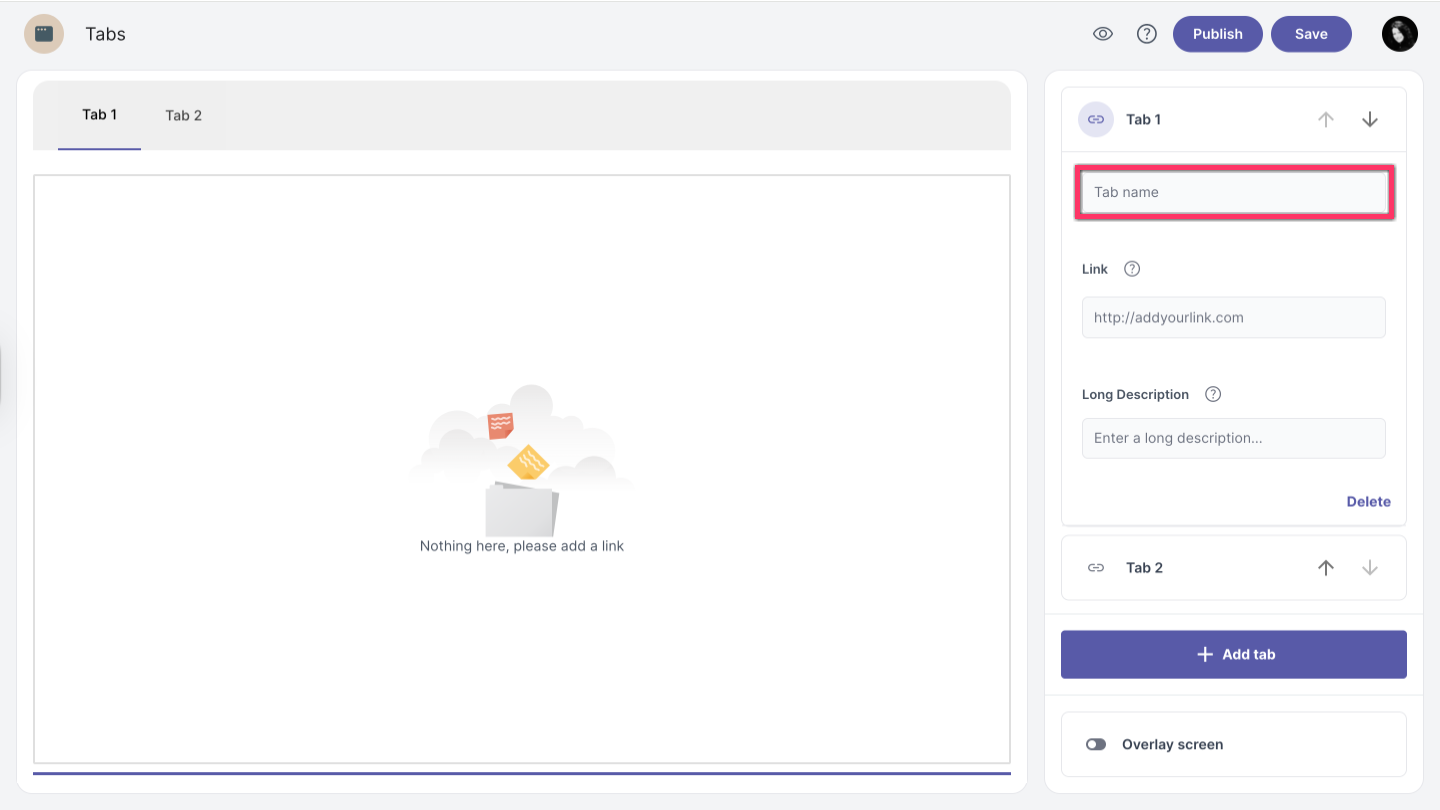
Tab name
By default, tabs are assigned generic names. To customize a tab name, follow these steps:
Click on the tab you want to edit.
Note: You can select it from the Navigation bar or by clicking the tab sections on the right side. - Enter the new name in the tab name field.
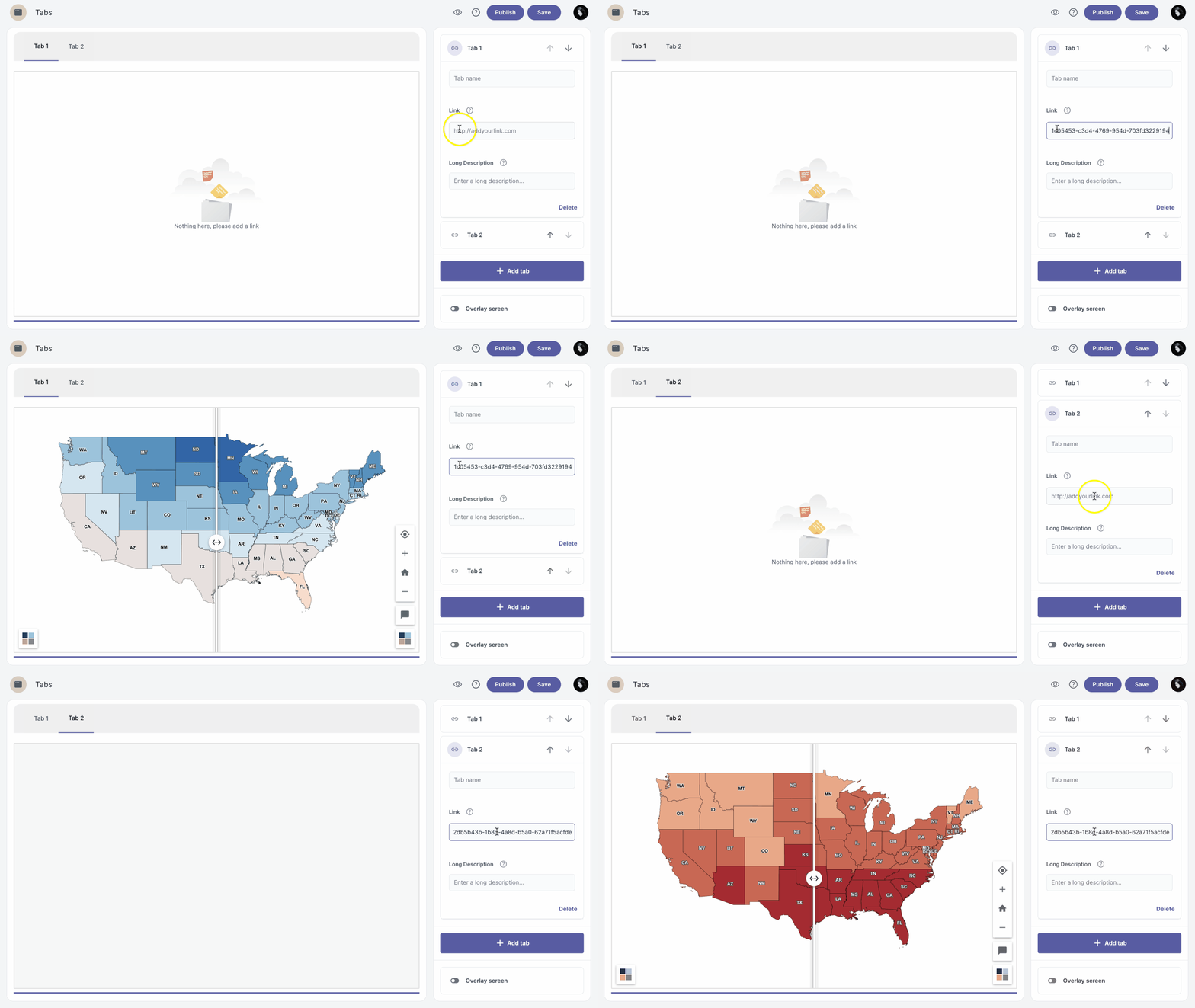
Add link
- Select the tab where you want to add the link.
- Enter the link in the link field.
| Note: Only embeddable links are supported |
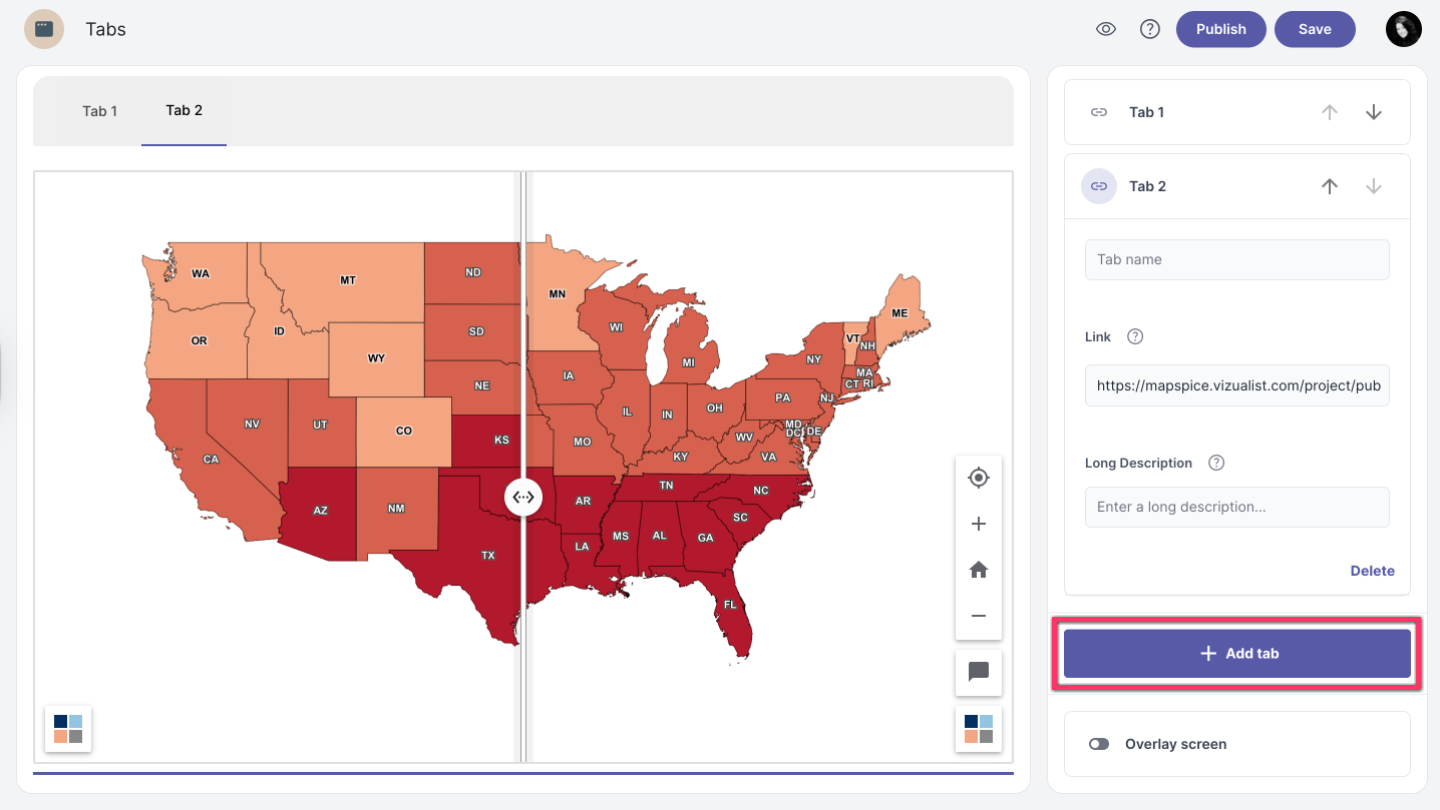
Add tab
To add a new tab, click the +Add tab button at the bottom of the edit panel.
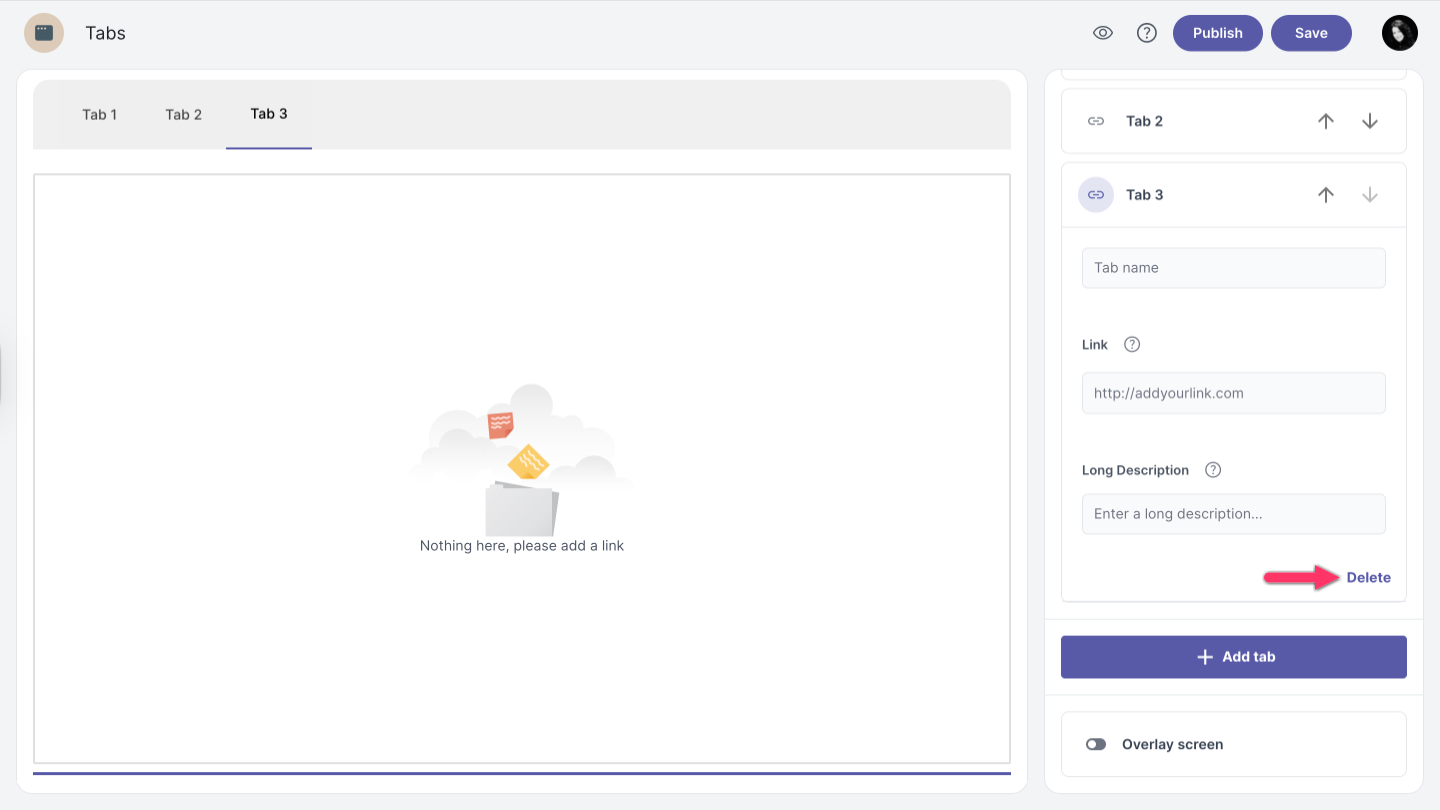
Delete tab
To remove a tab, select the tab you want to delete and click the Delete button in the lower right corner.