Adding rows
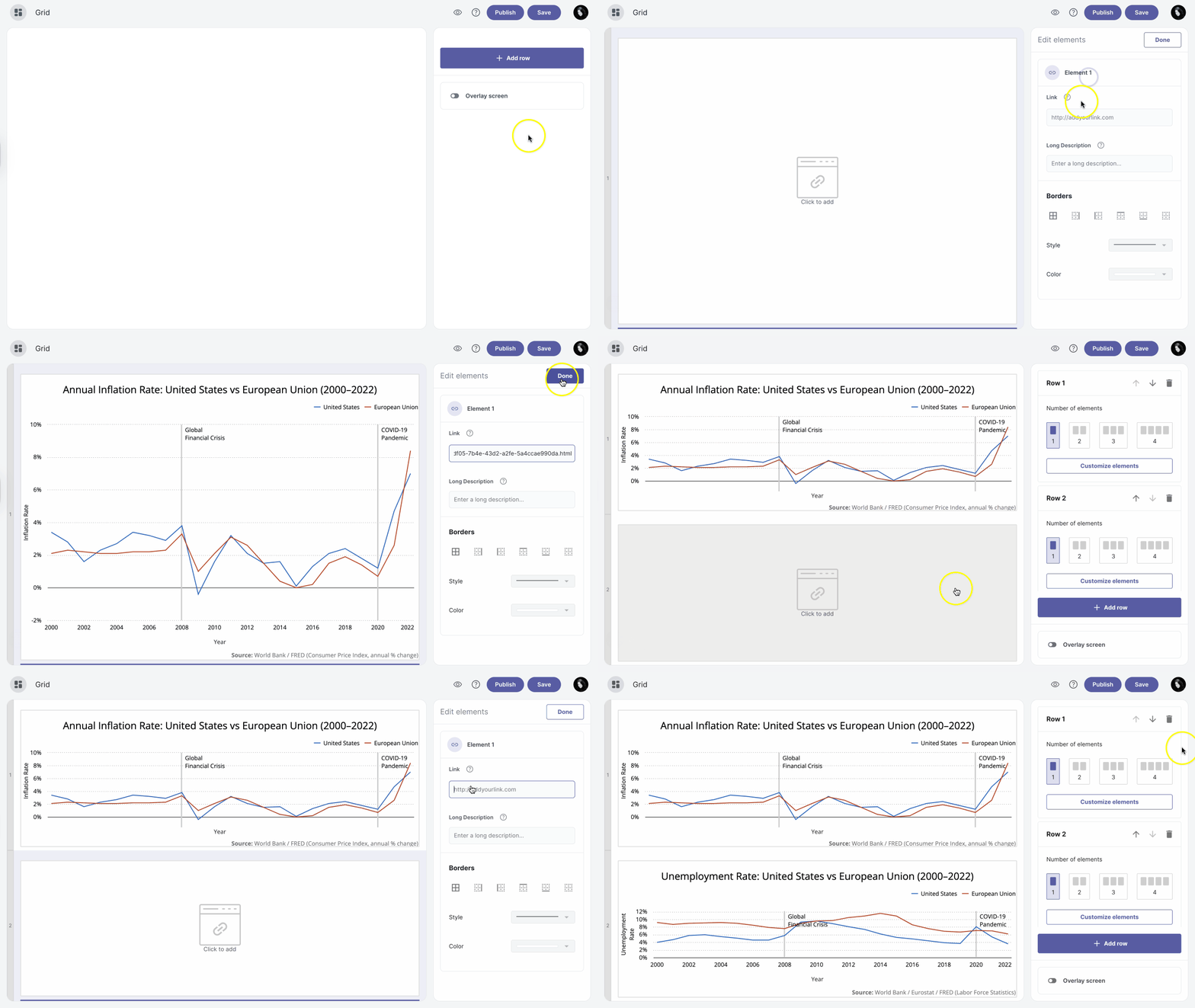
To add one or more rows to your layout, click on the +Add row button.
| Note: The maximum number of rows is four. |
| Note: The minimum number of elements in a row is one, and the maximum is four. Choose which option best suits your layout. |
Move rows
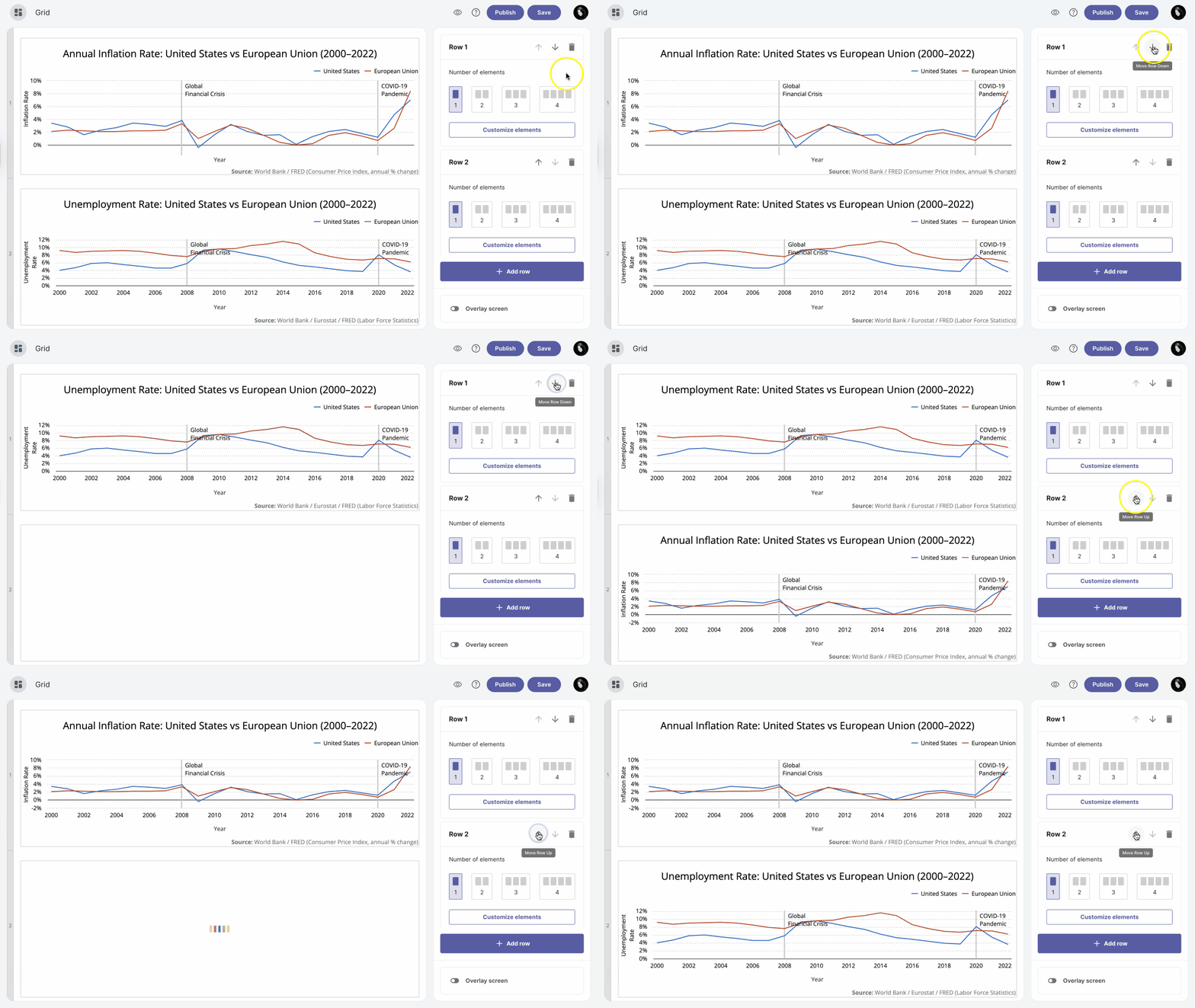
If you want to reorder your rows, click on the Move Row Up or Move Row Down depending on where you want to move the row.
Delete rows
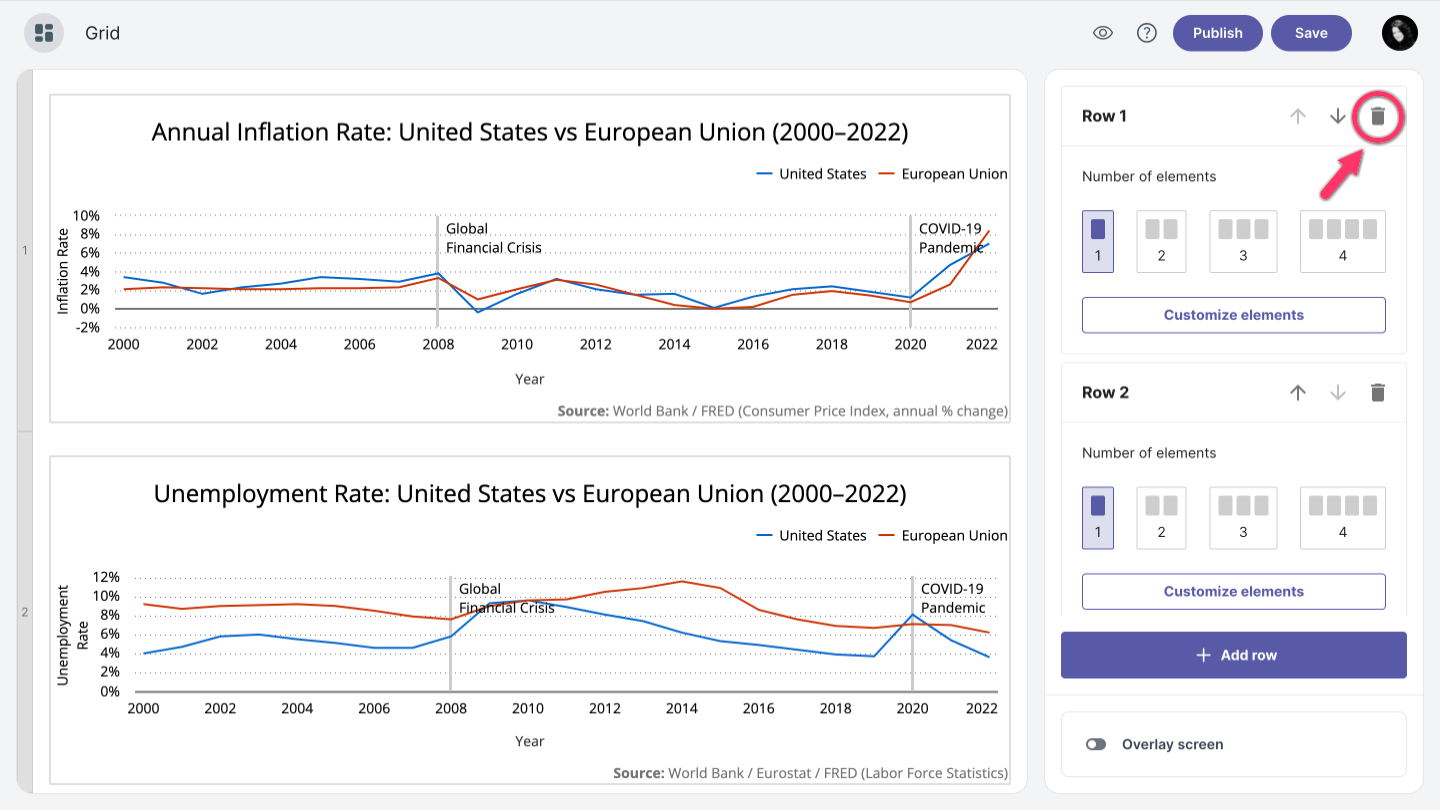
You can simply delete rows by clicking the Delete Row in the upper right corner of the edit row box.