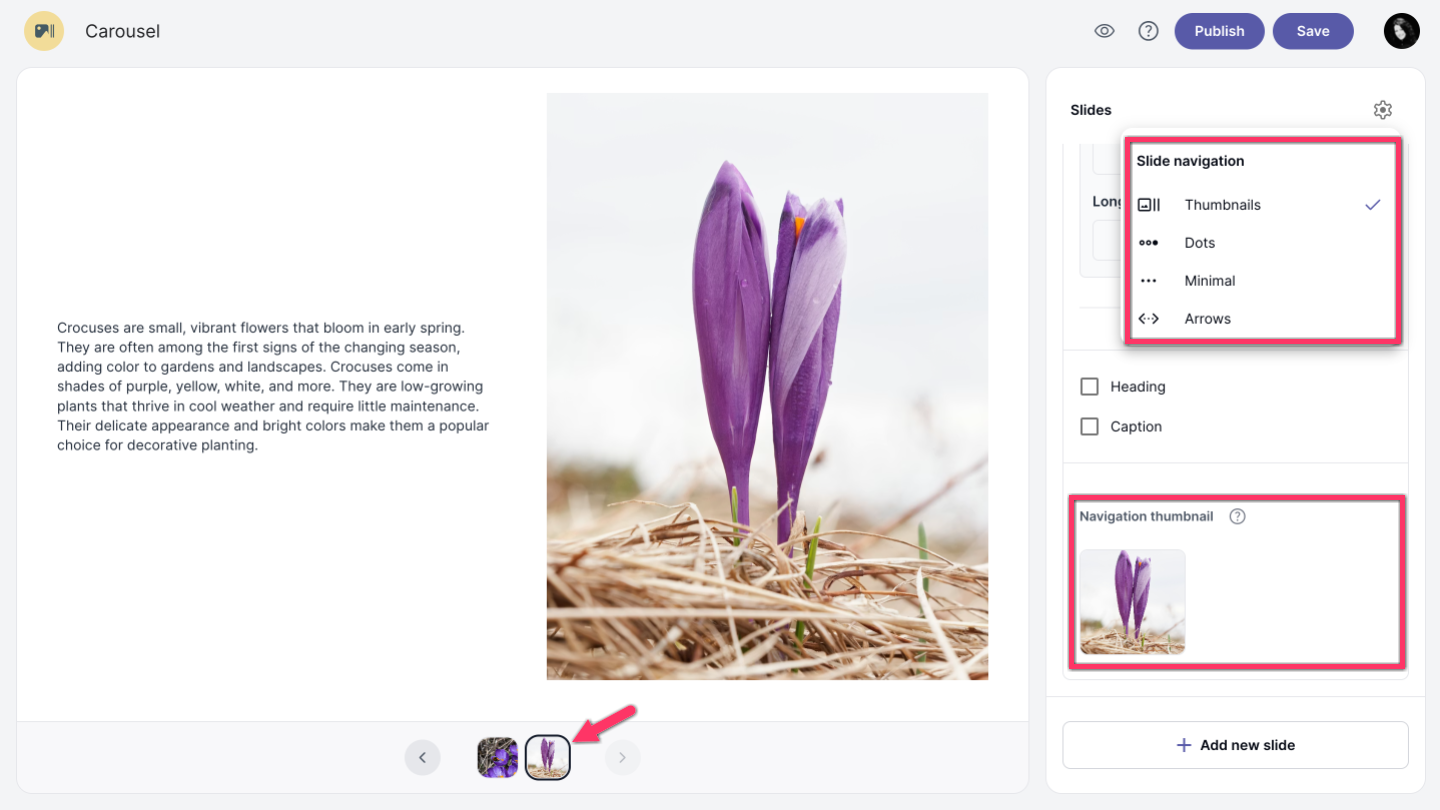
There are several slide navigation options available. Click the settings icon in the right corner and choose Thumbnails, Dots, Minimal, or Arrows. Dots is the default navigation style.
| Note: For Video, Visualization, and Text + Image slides, navigation thumbnails are required in the slide options, where you can upload an image that will be shown in the navigation bar. |
Move through slides
You can move through slides by clicking on the previous or next arrow icons.